
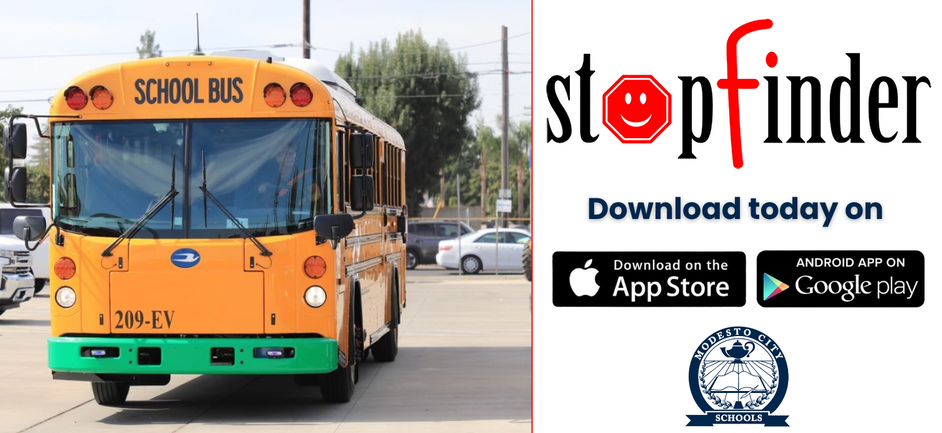
Does your student ride an MCS bus? Stopfinder helps you stay informed by providing your student’s assigned bus route, bus stop, pickup and drop-off times, and transportation updates directly on your phone.
Stopfinder is the only place to view your student’s transportation schedule. Because routes and schedules can change throughout the year, bus route information is no longer posted on the district website.
To access Stopfinder:
Complete the district’s transportation registration process.
Once your student is approved and assigned transportation, look for an invitation from noreply@stopfinder.com. The invitation will be sent to the email address listed for the primary contact in the PowerSchool Parent Portal.
Check your inbox, spam, and junk folders.
Open the invitation and follow the student-specific link to create a password.
Download Stopfinder from the Apple App Store or Google Play Store.
Sign in using the parent email address that received the invitation and the password created during activation.
Families can use Stopfinder to receive delay information, transportation updates, estimated arrival notifications, and GeoAlerts. Parents can also share access with a trusted caregiver or older student directly through the app.
If your email address needs to be updated, use the PowerSchool Parent Portal or contact your student’s school.